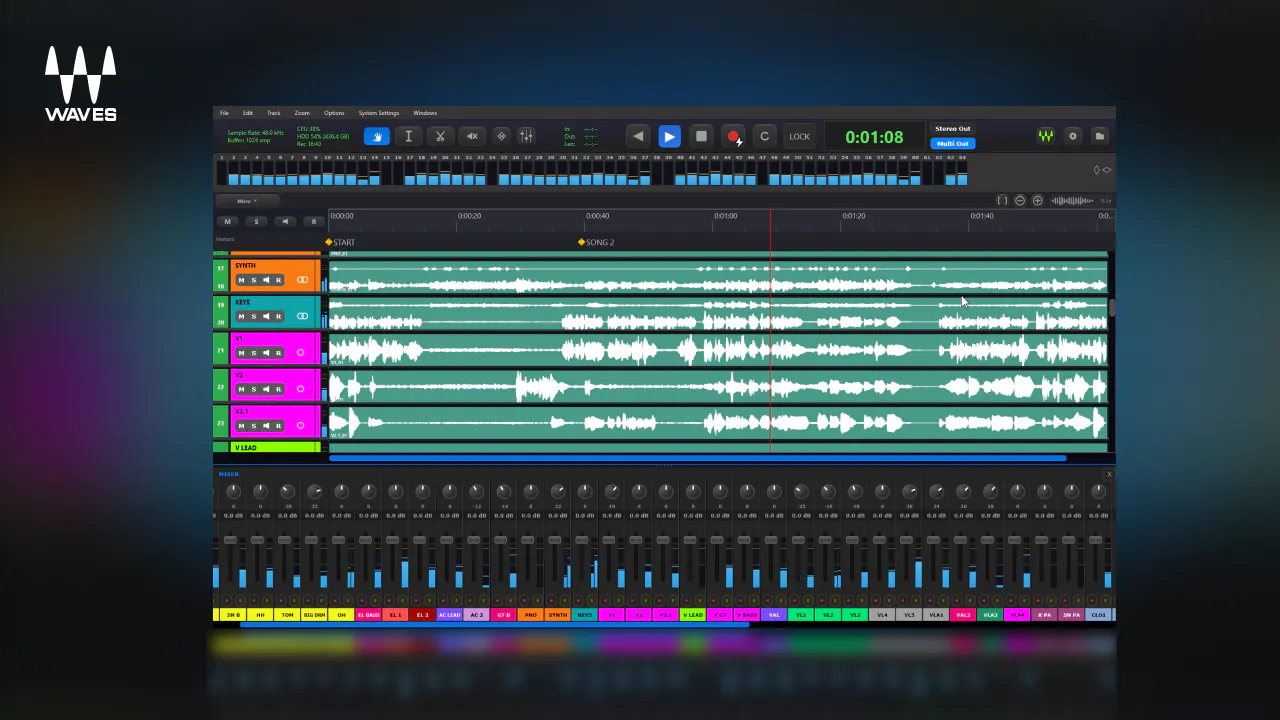
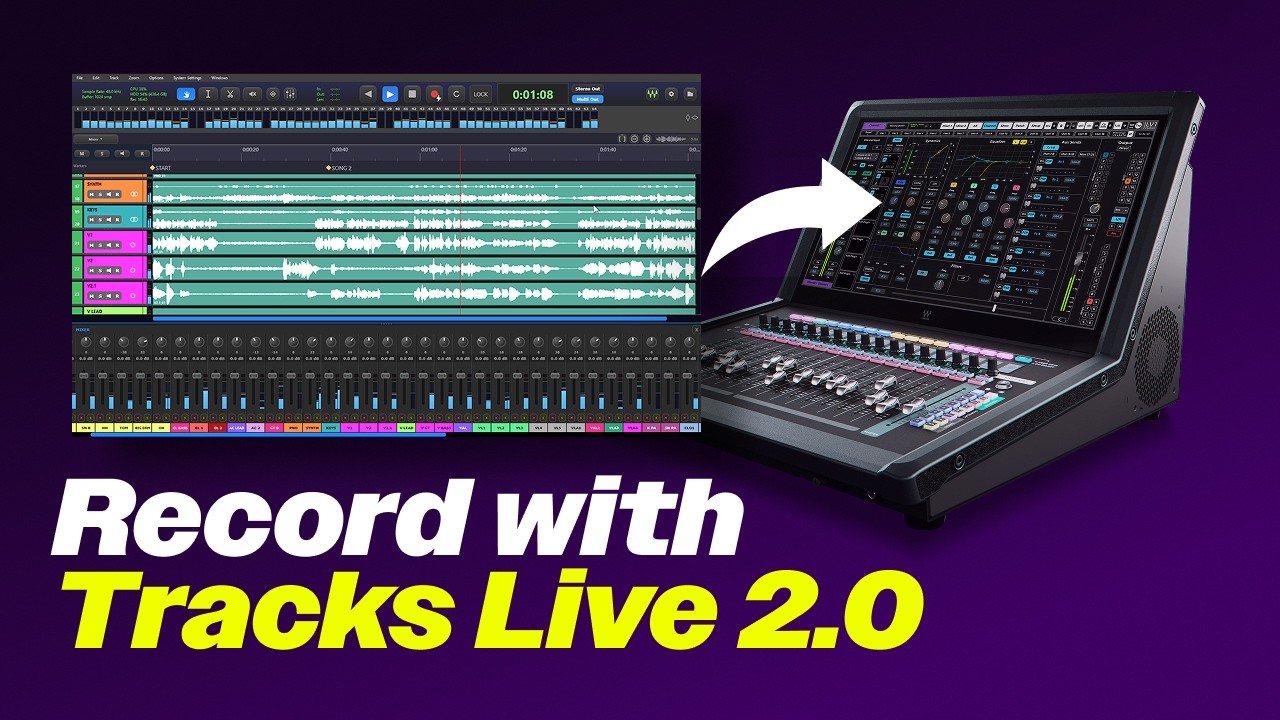
Tracks Live 2.0 Waves’ live recording software built to work with any live sound platform, from LV1 to non-Waves Core Audio or ASIO I/O setups. Fast, dependable multitrack recording, virtual soundcheck, essential editing, and flexible session export now live in a single application.
Version 2.0
What’s New
 Works with any platform — One app for dependable multitrack recording whether you’re running LV1 or a non-Waves Core Audio/ASIO rig.
 One-click LV1 sync — Connect and hit Sync to instantly import your LV1’s routed channels: track names, patching, mono/stereo assignments, and channel colors.
 Automatic scene markers — Every LV1 scene change drops a timeline marker automatically, so the recording is already organized before the show ends.
 Truer virtual soundcheck — Playback follows LV1 scene recalls, so soundcheck feels just like the original performance.
 Up to 128 channels, native everywhere — Record the biggest stage plots natively on Mac (Apple Silicon included) and Windows, then export the whole session as a DAWproject file for the DAW of your choice.
- Multitrack recording for LV1 and other platforms
- One-click synchronization with LV1
- Automatic LV1 scene markers
- Up to 128 channels of recording
- Virtual soundcheck with LV1
- Includes essential editing tools
- DAW project session export
- Mac, Windows, and Apple Silicon native